
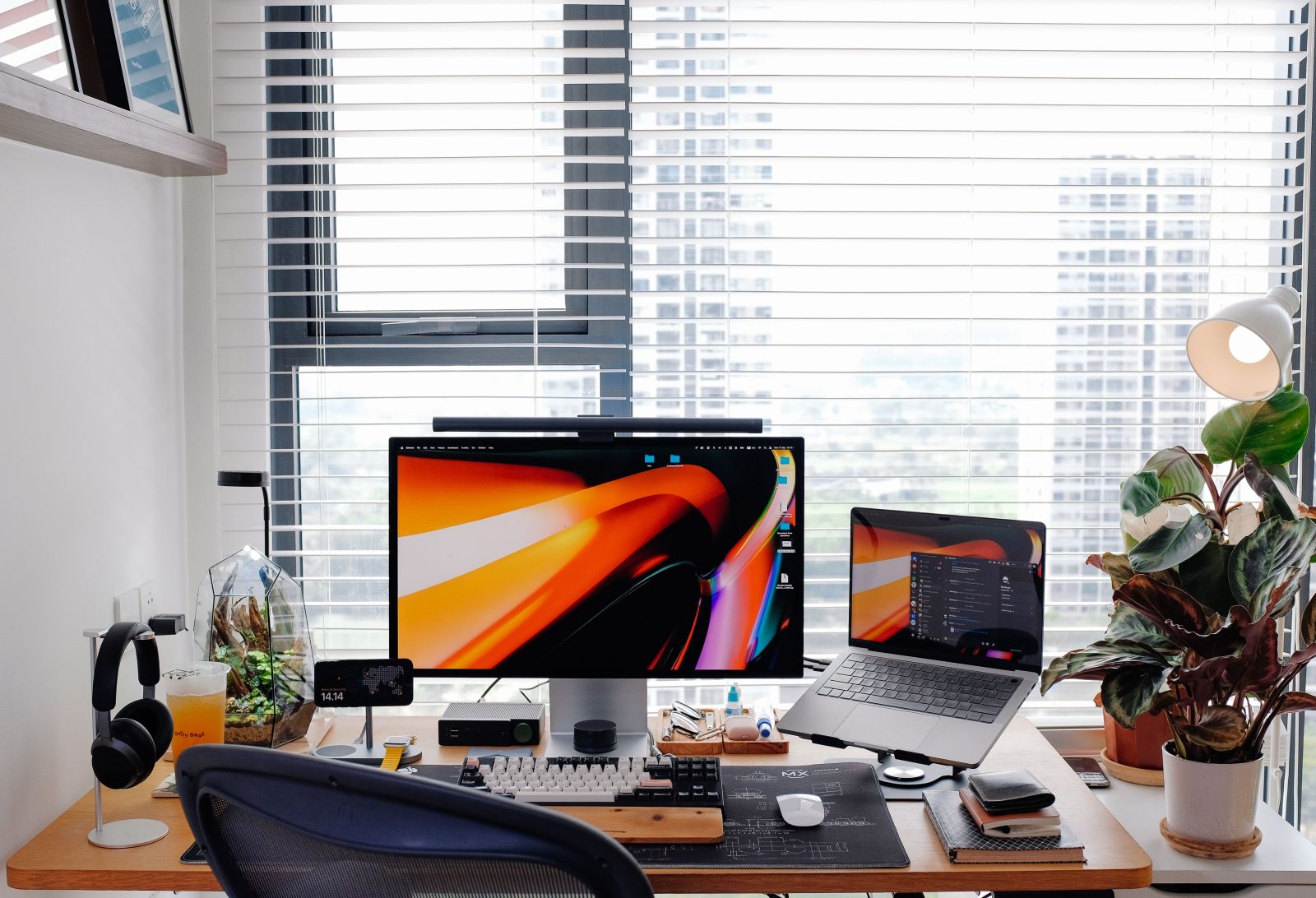

Have you ever found yourself tangled in wires, struggling with slow game loads, or sitting uncomfortably while gaming for hours?
These might seem like small issues, but they can greatly diminish your gaming experience. This is where creating the ultimate gaming setup comes into play, especially for beginners looking to enhance their game play. Our ultimate guide to creating the best gaming setup for beginners: tips & essentials will lead you through this exciting transformation smoothly.
What This Gaming Setup Is
Imagine having a space where every tool and accessory is placed for peak performance and comfort. That’s what a good gaming setup is all about. This setup isn’t just about stacking up the most expensive equipment. It includes choosing the right mix of components that work together to maximize your gaming experience while fitting neatly into the available space you have.
Why Gamers Choose This Setup
A stellar gaming setup enhances your gameplay significantly. It’s not merely about aesthetics; the right setup reduces fatigue, increases response times, and immerses you fully into the gaming world. A setup tailored for comfort and efficiency can transform lengthy gaming sessions into a comfortable and enjoyable experience.
Essential Components
Here’s what you typically need to start building your gaming heaven:
- Gaming Desk: Choose a sturdy and spacious desk, preferably with built-in storage or space for your activities.
- Gaming Chair: Ergonomics is key here. A good gaming chair supports your back and keeps you comfortable during long gaming hours.
- Monitor: A high-refresh-rate monitor is crucial for smooth gameplay. Large screens with clear, vibrant colors enhance the overall gaming experience.
- Keyboard and Mouse: Go for responsive and durable models. Mechanical keyboards and gaming mice with customizable buttons are popular choices.
- Headset and Speakers: Quality sound is non-negotiable. A good headset provides immersive sound and a microphone for team communication, while speakers are great for a more open listening experience.
- Webcam and Microphone: Essential for streamers or gamers who like to interact online.
- RGB Lighting and Accessories: These are not just about aesthetics; they can set the mood and elevate your gaming environment.
- Cable Management Accessories: Keeping your space tidy avoids mishaps and maintains sanity.
- Power Strip or Surge Protector: To protect your precious gear from electrical surges and provide additional power outlets.
How to Choose the Right Products
Consider the following when shopping:
- Ergonomics: Always opt for designs that support good posture and comfort.
- Performance: Check reviews for reliability and efficiency in your gaming needs.
- Compatibility: Ensure all components work well with your PC or console.
- Size and Space: Consider the dimensions of your space and how well the components will fit without causing clutter.
- Budget: Decide on a budget upfront and look for the best options within that range.
Budget Recommendations
- Beginners: Start with essential items within a modest budget. Think mid-range performance and ergonomics.
- Intermediate Gamers: Upgrade to high-performance monitors and ergonomic chairs.
- Enthusiasts: Invest in high-end devices, multi-monitor setups, and premium audio systems.
Common Mistakes to Avoid
- Overlooking the importance of a comfortable chair.
- Ignoring the need for good lighting and sound.
- Underestimating the value of a clean and organized space.
Helpful Setup Tips
- Ventilation: Make sure your gaming area is well-ventilated to keep your equipment cool.
- Lighting: Adequate lighting reduces eye strain.
- Routine Maintenance: Dust off and clean your equipment regularly to keep it in top performance shape.
Frequently Asked Questions
Q1: Can I build a good gaming setup on a tight budget?
A1: Absolutely! Focus on core items like a reliable monitor and a comfortable chair, then gradually add other elements.
Q2: Is it necessary to buy all components at once?
A2: No, you can gradually upgrade your setup as your budget allows.
Q3: What’s the most important element of a gaming setup?
A3: While all elements are important, a good chair and a performance-oriented monitor could be considered most crucial for a start.
Conclusion
Remember, the best gaming setup is one that fits your personal needs, space, and budget. Use this ultimate guide to creating the best gaming setup for beginners: tips & essentials to guide your decisions, choose wisely with purpose, and enjoy every moment of your gaming journey. Happy gaming!