
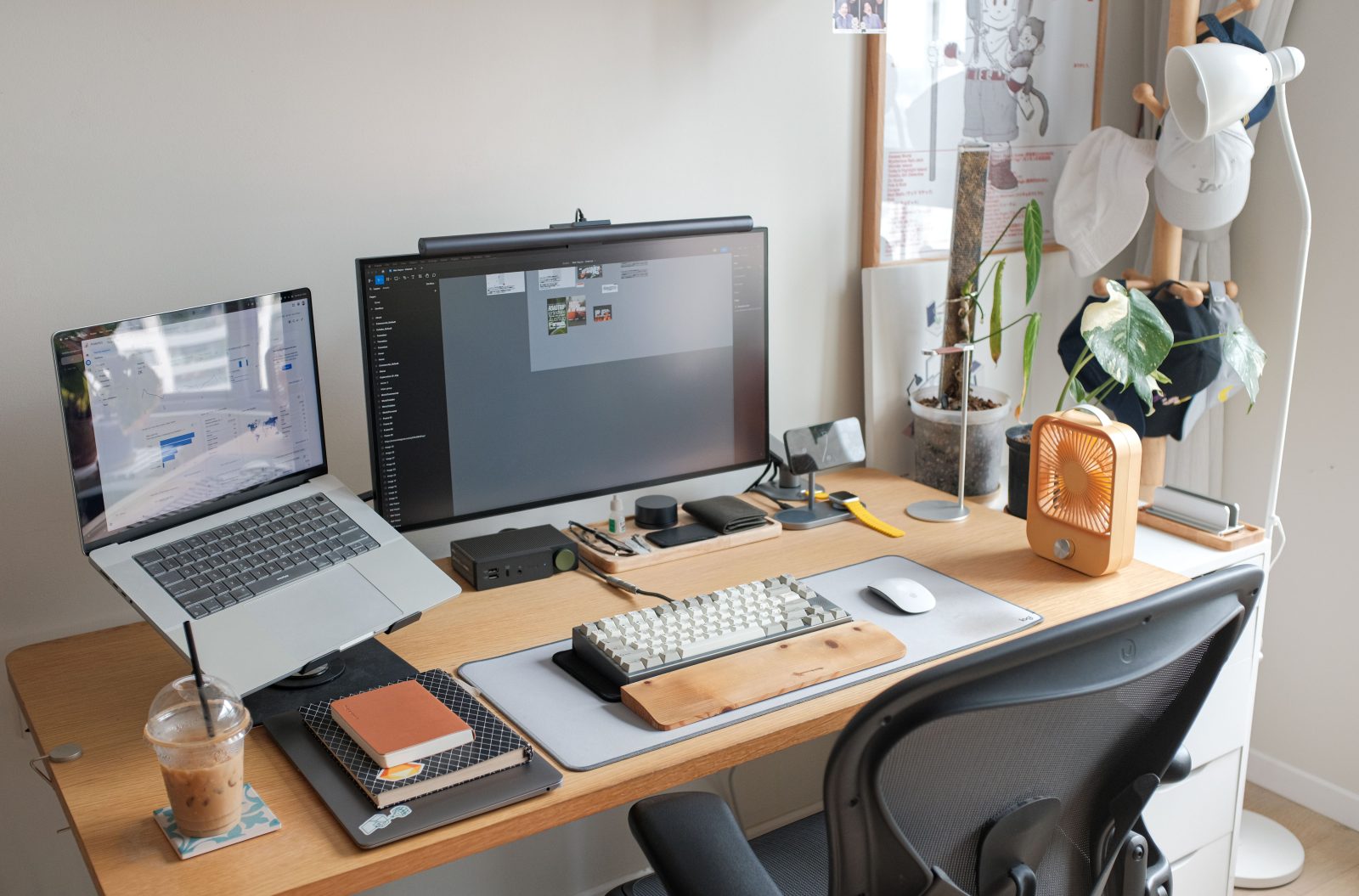

Have you ever lost a crucial game due to lag or an uncomfortable gaming chair? Frustrating, right?
Welcome to your ultimate guide on building the best PC gaming setup for enhanced play that not only boosts your game’s performance but also ensures you’re gaming in absolute comfort. This guide is perfect for everyone – whether you’re just starting out in the world of PC gaming or looking to upgrade your current setting.
What This Gaming Setup Is
A top-notch gaming setup includes various components that work together to deliver the most immersive gaming experience. It’s not just about having a powerful PC; it’s about the right accessories that complement your system and your gaming style, ensuring everything is optimized perfectly.
Why Gamers Choose This Setup
Imagine playing with seamless graphics, crisp sound, and all in a comfortable seat that feels like it was made just for you. That’s why every gamer dreams of a setup that not only performs extraordinarily but improves their overall gaming experience. More comfort means longer gaming sessions without the usual strain, and better technology means fewer technical interruptions.
Essential Components
Building the ultimate gaming setup involves selecting the right:
- Gaming Desk and Chair: Key for comfort. A sturdy desk and an ergonomic chair can make long gaming sessions enjoyable rather than painful.
- Monitor: The window to your gaming world. A high-resolution monitor with an excellent refresh rate will display fast-moving images smoothly.
- Keyboard and Mouse: They should feel like extensions of your hands. Look for responsive and durable models.
- Headset and Speakers: High-quality sound is crucial for immersion and competitive play. Choose according to your need for privacy and sound clarity.
- Microphone: For communicating with teammates clearly.
- Camera: Essential for streamers looking to engage with their audience.
- Lighting and Ambiance: RGB setups aren’t just for show; they can actually improve your focus and gaming mood.
- Connectivity and Management Accessories: Including cable management tools and a reliable power strip to keep everything organized and safely powered.
How to Choose the Right Products
When choosing these products, consider:
- Compatibility: Make sure everything works together smoothly. For example, some keyboards are designed for specific types of games.
- Performance vs. Aesthetics: A balance is key. Looks are important, but performance can’t be compromised.
- Space: Your setup should fit your room. Measure everything, and plan accordingly.
- Budget: There’s always a temptation to go for the best, but sticking to a budget can get you a balanced setup without breaking the bank.
Budget Recommendations
- Beginners: Start with essentials like a good PC, monitor, desk, and chair. Incrementally upgrade by adding quality components later.
- Intermediate Gamers: Focus on enhancing audio and video components and consider ergonomic improvements in chairs and desks.
- Enthusiasts: Invest in premium accessories, high spec monitors, and perhaps multiple displays or specialized gaming hardware.
Common Mistakes to Avoid
Many make the mistake of buying based on looks alone or compromising on quality for cheaper options that quickly need replacing. Also, avoid clutter; good cable management not only looks tidy but improves setup safety and functionality.
Helpful Setup Tips
- Opt for a wider desk than you think you might need. This gives you room to expand or add more components later.
- Ensure your gaming chair supports your back well and can be adjusted to your comfort.
- Regularly updating drivers and software helps your system run smoothly and keeps you game-ready.
Frequently Asked Questions
Q: Is an expensive gaming chair worth it?
A: Yes, if you spend a lot of time gaming. Ergonomics prevent back pain and other discomforts.
Q: Can I use a TV screen for gaming?
A: While possible, monitors offer faster refresh rates and response times, which are crucial for fast-paced games.
Conclusion
Building the best PC gaming setup for enhanced play doesn’t happen overnight. It requires thoughtful consideration of each element and how it fits into your overall gaming goals and environment. Start with the basics, focus on performance-enhanced products and ergonomics, and evolve your setup over time. Great gameplay starts with a great setup, so choose wisely and game on!