
Ultimate Beginner’s Guide to PC Gaming: Tips
Ever wondered what makes PC gaming so captivating for so many people? You get to explore new worlds, go on adventures, and even meet new friends online—all from the comfort of your own room. If you’re thinking about starting out in the world of PC gaming, or if you’ve just begun and feel a bit lost, you’ve come to the right place! This ultimate beginner’s guide to PC gaming: tips will help you navigate this exciting experience.
Getting Started: Setting up Your Gaming PC
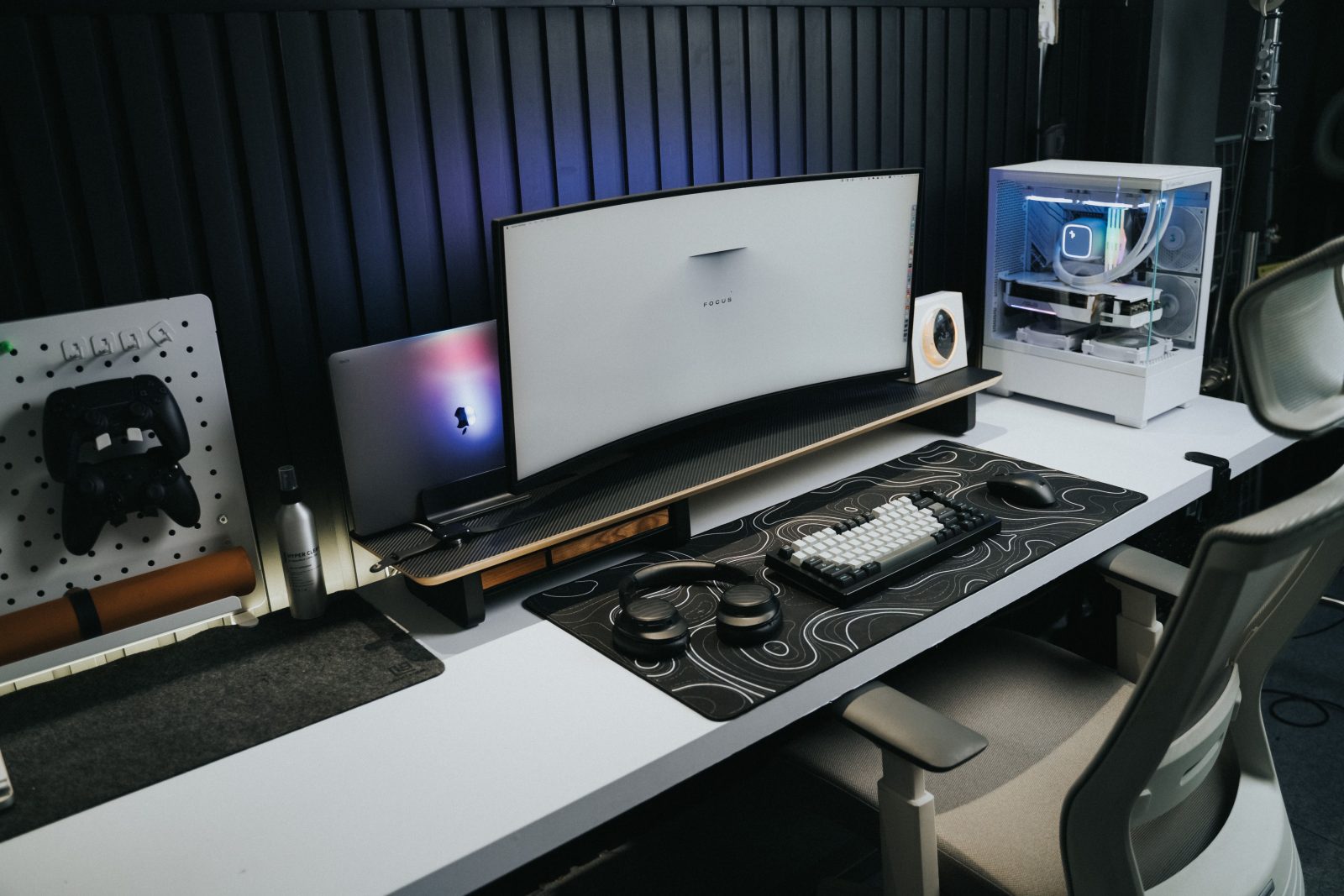
The first step is setting up your gaming PC. You don’t need the most expensive computer out there, but a good one helps make games run smoothly. Look for a PC that has at least 8GB of RAM and a decent graphics card. These are pieces inside the computer that help your games look and play better. It’s like making sure you have a good, sturdy bike to ride on a bumpy road.
Also, consider the monitor (the screen where you’ll see all the action). A bigger monitor with a higher resolution can make your gaming experience a lot better. Think of it like watching your favorite movie on a tiny old TV versus a big, crisp HD TV.
Choosing Your Games
Once your PC is all set, it’s time to choose some games! There are so many types of games out there—from adventure and sports games to puzzles and strategy games. Which games you choose depends on what you think is fun.
Start with one or two games initially, and try different genres to see what you enjoy most. Many games offer demos or free trials, which let you test the game to see if you like it without having to buy it first.
Learning the Controls
Learning how to control your game is crucial in the ultimate beginner’s guide to PC gaming: tips. Every game has its own controls, but most PC games will use the keyboard and mouse. Some games may let you use a controller like the ones for consoles.
Start by checking out the game’s settings section where you usually find the controls listed. Spend a bit of time practicing. It might be helpful to write them down as you learn, or keep the list handy for quick reference.
Staying Safe and Social
Gaming is more fun when you can share the experience with friends or meet new ones online. Most games today offer a way to connect with others inside the game. Just be sure to stay safe when online; don’t share personal information like your real name or where you live.
Upgrading Your Skillset
As you get more into games, you may find that you want to get better at them. Many games, especially online multiplayer ones, can be quite competitive. Watching game tutorials online, learning from other players, or even reading guides can significantly improve your skills. It’s like practicing a sport—the more you practice, the better you become!
Troubleshoot the Basics
Sometimes games might not work the way they should. They could crash, which means they suddenly stop working, or they might run slowly. Here’s what you can do:
- Make sure your PC meets the game’s minimum requirements.
- Update your drivers, especially for your graphics card.
- Close other programs that might be using up your PC’s memory while you’re gaming.
FAQs
-
What is a good beginner game?
- Look for games labeled as “casual” or “beginner-friendly.” Games like “Minecraft” or “The Sims” are popular choices!
-
How much does it cost to start PC gaming?
- It can vary. A basic set-up with a decent PC and some games can start around $500. But remember, you can always upgrade parts of your PC later on.
-
Are PC games better than console games?
- “Better” can depend on what you prefer. PC games often have better graphics and more options to customize your experience.
Conclusion
Starting with PC gaming can be really fun, and it doesn’t have to be overwhelming. Just take things one step at a time: set up a good system, pick some interesting games, learn the ropes, and get better at your own pace. Remember, the key part of this ultimate beginner’s guide to PC gaming: tips is to enjoy yourself and have a good time. Happy gaming!