
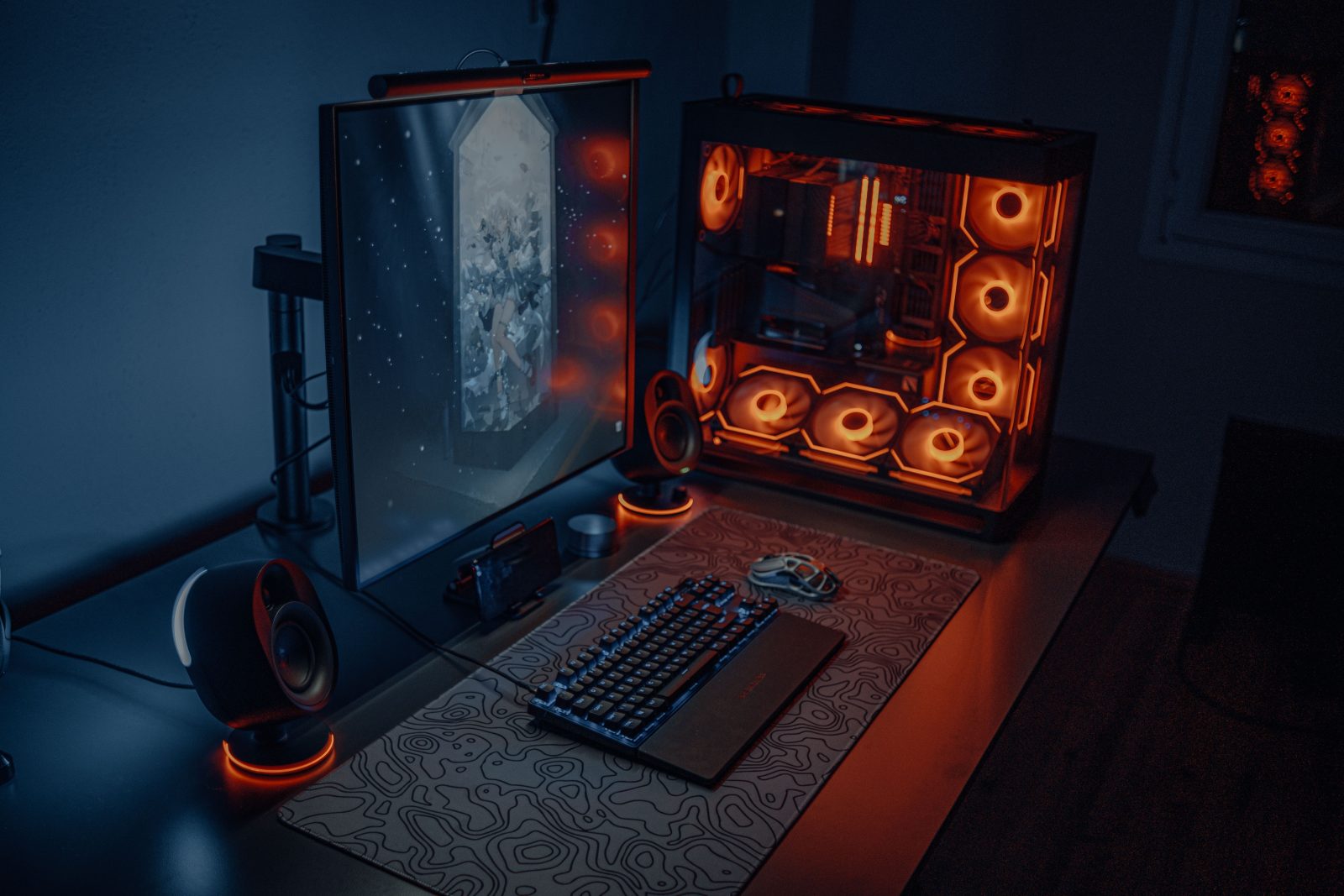

Top Picks for Best Gaming PCs: Enhance Your Gaming Experience
Imagine diving into an immersive game where every shadow, every line of dialog, and the distinct sound of footsteps are as crisp as real life. Such incredible detail isn’t just a product of high-quality game development but also the power of the hardware running it. The celebrated synergy between gaming prowess and cutting-edge technology is fully realized in today’s top gaming PCs. From seamless frame rates to vivid displays and responsive controls, the quest for the best gaming rig often feels like navigating a labyrinth of specs and features. This guide demystifies these choices, helping you find a gaming PC that not only fits your gaming style but enhances every gaming session.
Exploring different gaming PCs can be daunting. Brands like Alienware, ASUS, and MSI have engineered some of the most powerful and aesthetically pleasing rigs on the market. Each offering unique virtues from futuristic designs to turbocharged processing speeds that cater to both hardcore and casual gamers alike. Selecting the right one transcends mere preferences for curb appeal, focusing heavily on performance metrics, compatibility with other devices, and future-proofing elements that safeguard your investment.
Alienware Aurora R12
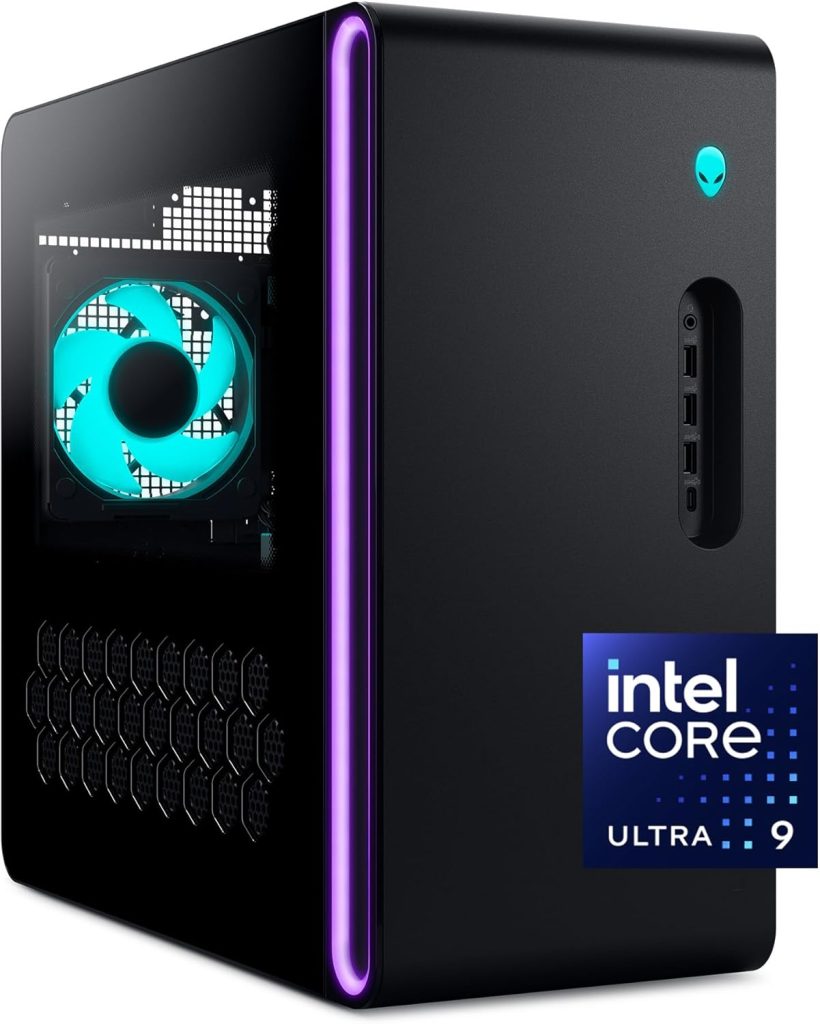
Stepping beyond the traditional confines of gaming, the Alienware Aurora R12 combines breathtaking design with unparalleled functionality. It targets seasoned gamers who demand nothing but peak performance.
Pros
- Stunning design with customizable RGB lighting
- Powerful performance with Intel Core i7 and NVIDIA RTX 3080
- Expansive storage options
- Easy to upgrade without tools
- Efficient cooling system
Cons
- Premium price point
- Can be quite bulky
Key Features & Benefits
The Alienware Aurora R12 doesn’t just play the part with its impressive internals including the latest Intel Core i7 processor and NVIDIA GeForce RTX 3080 graphics card; it looks the part too. The thoughtfully designed chassis is not only eye-catching but engineered for easy upgrades and optimal airflow, which ensures that the system stays cool even during marathon gaming sessions. This PC is particularly appealing to streamers and content creators due to its multitasking capabilities, allowing for smooth game play and efficient video rendering simultaneously.
Security features are also top-notch with integrated software that protects against malware and phishing attacks, essential for keeping game accounts and personal information safe. Additionally, the Aurora R12 uses AlienFX light technology, which allows for deeper immersion with games that offer light-reactive gameplay, bringing scenes to vivid life in your gaming space.
ASUS ROG Strix GA15
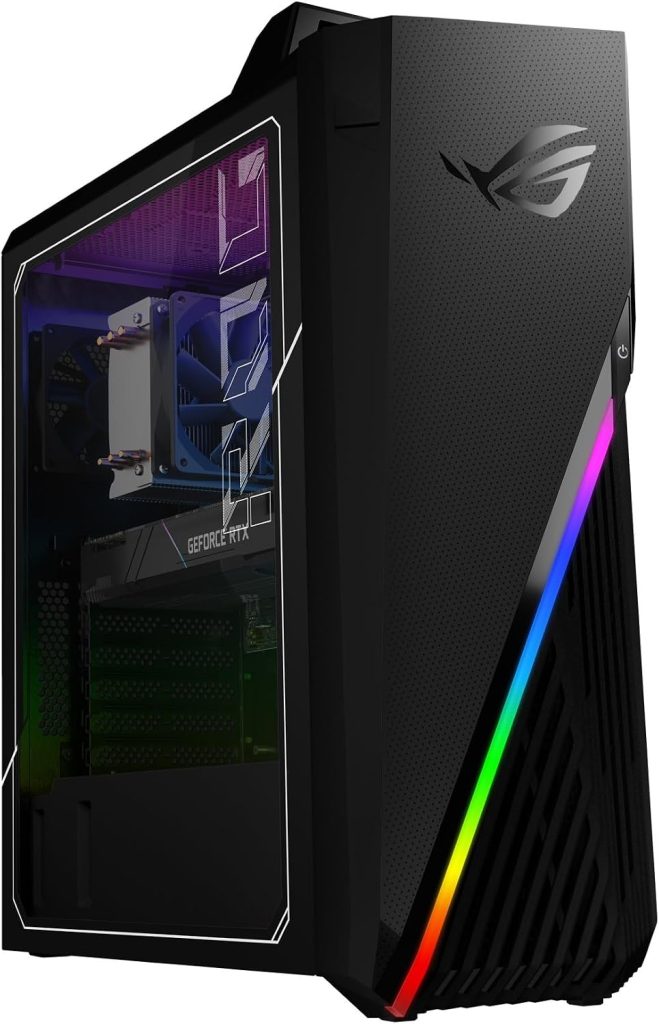
The ASUS ROG Strix GA15 is a testament to what modern gaming machines can be, especially for those who value efficiency and sleek aesthetics. It’s designed to avoid excess heat even under heavy load, which speaks volumes about its reliability.
Pros
- Compact and lightweight design perfect for small spaces
- Robust AMD Ryzen 7 processor and NVIDIA GeForce RTX 3070 graphics
- Comprehensive connectivity options including Wi-Fi 6
- Built-in carrying handle for portability
- Relatively quiet operation
Cons
- Limited initial storage capacity
- Design might not appeal to all due to minimal RGB
Key Features & Benefits
The GA15’s AMD Ryzen 7 processor delivers exhilarating speed and responsiveness that can handle both gaming and creative tasks without a hiccup. This, coupled with its NVIDIA RTX 3070 graphics card, ensures high frame rates in even the most graphically intense games. Moreover, the GA15 comes VR-ready, expanding your gaming possibilities into the realm of virtual reality. Not just bulk performance, its array of ports including the latest USB-C can support a wide array of additional gadgets like high-speed storage, VR headsets, and multiple monitors.
For gamers with space constraints, the GA15’s compact build and built-in handle advocate for a minimal footprint and easy relocation. Asus has integrated an advanced cooling system to ensure that prolonged gaming sessions do not throttle the CPU and GPU’s capabilities, maintaining an optimal performance threshold consistently. This focus on cooling also prolongs component life, thereby extending the lifespan of your investment.
How to Choose the Right Top Picks for Best Gaming PCs: Enhance Your Gaming Experience
Selecting the perfect gaming PC involves more than scanning through a sea of specs and prices. Think about compatibility; the system should sync easily with other devices. Performance is paramount—opting for a PC that stutters during critical gameplay can be frustrating. Comfort also plays a role, particularly in terms of user interface and software ease of use. Don’t overlook maintenance; a good gaming PC should be easy to update and clean. Additionally, consider the warranty offered, which speaks volumes about the manufacturer’s faith in their product. Budget invariably plays a crucial role, yet balancing cost with features, build quality and future-proofing needs careful consideration.
FAQ
Can a powerful gaming PC be used for other intensive tasks like video editing?
Yes, most high-end gaming PCs are well equipped to handle other resource-intensive tasks like video editing and 3D rendering. Their powerful processors and ample RAM make them versatile for multiple demanding applications.
What is the importance of cooling systems in gaming PCs?
Cooling systems are crucial as they prevent overheating, which can reduce performance and the lifespan of components. Advanced cooling systems ensure that the PC operates at optimal efficiency.
How often should I upgrade my gaming PC?
It depends on your use and the types of games you play. If you consistently play the latest high-spec games, upgrading every 3-4 years might be necessary. However, for more casual gamers, a longer interval might be sufficient.
What should I look for in terms of connectivity?
Ensure that the PC has a variety of ports, such as HDMI, USB-C, and Ethernet, to accommodate all potential peripheral devices. Wi-Fi capability should also be considered, especially for wireless gaming setups.
Is it better to buy a pre-built gaming PC or to build one?
While building a PC can be more cost-effective and customizable, pre-built PCs come with warranties and support, making them a more convenient and reliable option for those not technically inclined.
What role does RAM play in a gaming PC?
RAM (Random Access Memory) is critical as it stores the data the CPU needs in the short term. More RAM allows for smoother gameplay and the ability to run multiple applications simultaneously without compromising performance.
Conclusion
Choosing the correct gaming PC will elevate your gaming experience to new heights, making each session more thrilling than the last. High-quality gaming PCs not only boost performance but enhance immersion, making every game you play a deep dive into another world. Reflect on your gaming needs, space, and budget to make a choice that promises exhilarating gaming adventures. Remember, the best gaming PC is one that fits seamlessly into your life and adapts to your gaming evolution. With the right machine, the worlds you explore in your imaginations will come vividly to life right before your eyes.