
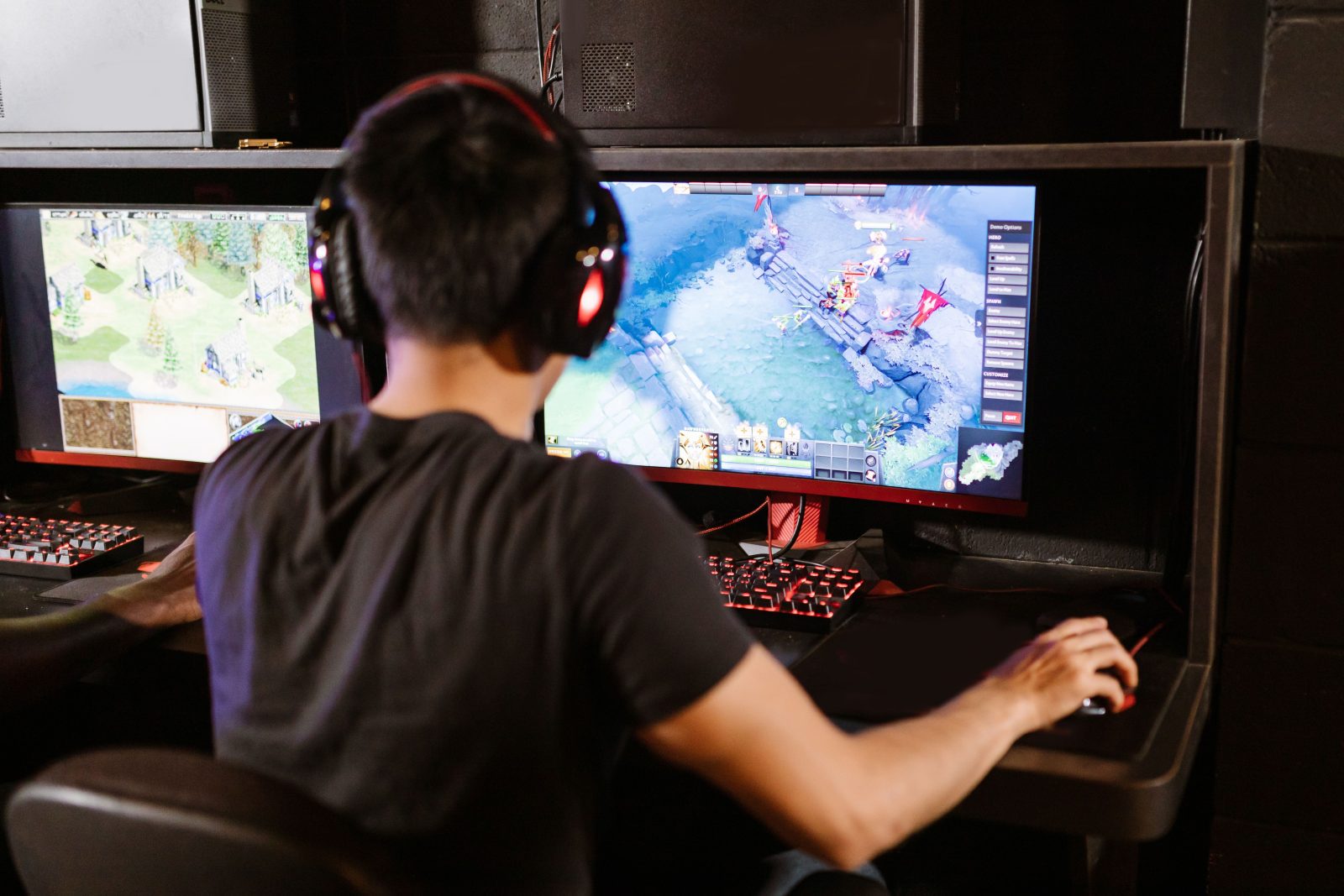

Top Picks for Best Gaming Monitors: Enhance Your Gaming Experience
Picture this: you’re deep into a marathon gaming session, your squad is counting on you, and every detail on the screen could make the difference between victory and defeat. In these critical moments, the quality of your gaming monitor can be your greatest ally or your most frustrating enemy. With a plethora of options available in the market, each boasting various features from ultra-fast refresh rates to eye-popping color accuracy, picking the right gaming monitor can be a game-changer. In this guide, we dive into the world of top-tier gaming monitors, exploring several standout models designed to elevate your gaming experience to new heights.
Gaming monitors have come a long way, with technology that can significantly enhance gameplay through smoother motion, sharper images, and quicker response times. Whether you’re a competitive e-sports player or a casual gamer, the right gaming monitor not only improves your performance but also makes every experience more immersive. Let’s delve into some of the best options available, each suited to different preferences and budgets.
Asus ROG Swift PG279Q
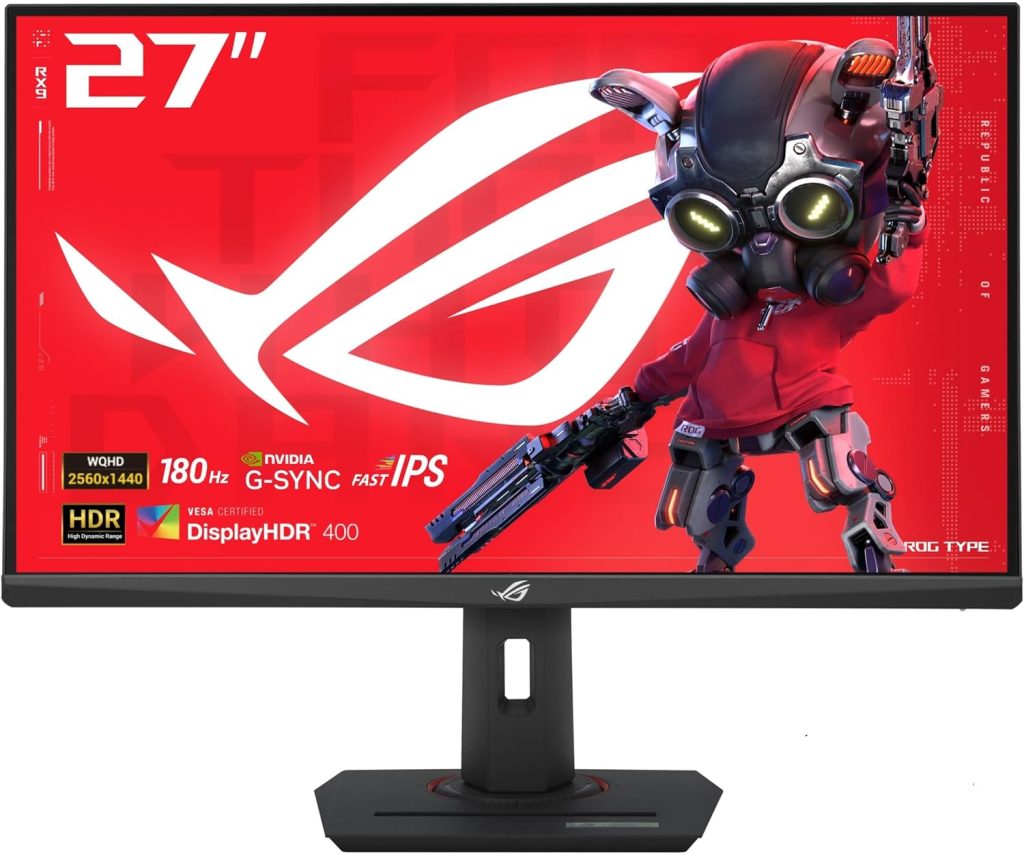
For gamers who refuse to compromise on performance, the Asus ROG Swift PG279Q offers a robust package that blends speed and precision. Known for its impeccable build quality and top-of-the-line features, this monitor is a popular choice among professional gamers.
Pros
- 165Hz refresh rate ensures ultra-smooth gameplay.
- Stunning 1440p resolution with IPS technology.
- G-Sync technology eliminates screen tearing.
- Adjustable stand for optimal comfort and viewing angles.
- Wide color gamut enhances visual clarity and color precision.
Cons
- Higher on the price spectrum.
- Can be quite complex to calibrate colors for non-tech-savvy users.
Key Features & Benefits
The Asus ROG Swift PG279Q stands out with its rapid 165Hz refresh rate which can be a major game-changer in fast-paced games where every millisecond counts. The integration of IPS technology not only offers wider viewing angles but also ensures no loss in color quality, no matter the viewing angle. Moreover, Nvidia’s G-Sync technology works seamlessly to synchronize the monitor’s refresh rate with your GPU, virtually eliminating screen tearing and reducing stutter for a smoother visual experience.
Not just about performance, this model is designed with the user’s comfort in mind. An ergonomically designed stand provides tilt, swivel, pivot, and height adjustments to maintain comfort during long gaming sessions, demonstrating a balance between function and comfort. For gamers who appreciate both aesthetic and performance, the PG279Q’s thin bezel and sleek design make it a visually pleasing component in any setup.
How to Choose the Right Top Picks for Best Gaming Monitors: Enhance Your Gaming Experience
Choosing the right gaming monitor is about understanding the balance between technology standards and personal gaming needs. Key considerations include resolution, which impacts the clarity and detail of what is visualized; refresh rate, determining how smooth the motion appears; and response time, affecting how quickly your monitor reacts. Compatibility with your PC’s graphics card is crucial, ensuring technologies like G-Sync or FreeSync can be utilized to their fullest potential. Comfort is also key, with factors like adjustable stands and eye-care technologies playing an important role for those long gaming sessions. Consider these aspects to match your gaming setup with a monitor that won’t just meet, but exceed your performance and comfort expectations.
FAQ
What makes a gaming monitor different from a regular monitor?
Gaming monitors are specialized to handle fast-moving images and are equipped with technologies like higher refresh rates and quicker response times to enhance real-time video game graphics, making them vastly different from regular monitors geared towards more static display tasks.
Is a curved monitor better than a flat monitor for gaming?
Curved monitors offer a more immersive gaming experience and reduce eye strain by keeping all points of the screen equidistant from the eyes. However, the choice between curved and flat often comes down to personal preference and the specific gaming scenarios you face.
How does refresh rate affect gaming?
A higher refresh rate results in a smoother gameplay experience, particularly important in fast-paced games. It refers to the number of times your monitor updates with new information per second and, for gaming, a minimum of 120Hz is recommended.
Can monitor size affect gaming performance?
While a larger screen can provide a more immersive experience, it’s crucial to balance size with resolution and sitting distance to maintain visual clarity and ensure you can see all parts of the screen without excessive head movement.
Is it worth investing in a monitor with G-Sync or FreeSync?
Yes, technologies like G-Sync and FreeSync significantly improve gameplay by eliminating screen tearing and reducing stuttering, which are critical factors for the smoothness of gaming visuals.
What should I look for in a gaming monitor for a console?
Ensure the monitor supports the resolution and refresh rates that your console can output. For the latest gaming consoles, consider monitors that support HDMI 2.1 to take full advantage of the high refresh rate capabilities.
Conclusion
Choosing the right gaming monitor can dramatically enhance your interactive digital experiences. Each model we discussed offers unique strengths, whether you prioritize immersion, responsiveness, or color fidelity. While the Samsung Odyssey G7 is perfect for those seeking extreme immersion with its curved display, the Asus ROG Swift PG279Q will appeal to users looking for precision and performance. Consider your personal gaming needs carefully to select a monitor that will not only meet but exceed your expectations, ensuring each session is as enjoyable and competitive as possible.